MySQL: Graphical Environment, GUI, Navicat
The command-line tool is, of course, a good thing - but a graphical environment is even better. This is about a MySQL design environment, or GUI. Exactly what's needed: convenient editing, saving queries, creating connections and synchronising data/structure. And of course - backups. I have to say, this is one of the most successful applications for MySQL that I've come across recently.
The command-line tool is, of course, a good thing - but a graphical environment is even better. This is about a MySQL design environment, or GUI. Exactly what's needed: convenient editing, saving queries, creating connections and synchronising data/structure. And of course - backups. I have to say, this is one of the most successful applications for MySQL that I've come across recently.
http://mysql.navicat.com/feature.html
While developing, experimenting and otherwise fiddling around with MySQL, I came to have three needs:
- Saving queries;
- Comfortably editing functions/procedures;
- Hot backups;
I tried and reinstalled various tools and settled on this one. Simple, convenient and intuitive. So - Navicat.
The feature set is comparatively large. Moreover, Navicat exists for MySQL, PostgreSQL and Oracle. The applications are separate (and purchased separately), but the interface is similar.
Runs on Windows, Linux and Mac. I've tried the Windows version as well as Linux via Wine. Works stably.
I have been using it daily for ~2 years - both the MySQL and PostgreSQL versions.
Features I found useful:
- Can work with multiple connections simultaneously (handy when you need to take a quick look at another DB);
- Connections can be created both directly and via an SSH tunnel.
- In a visually clean window, you can create a new table - going as far as defining indices, foreign keys and triggers. True, editing triggers could have been more convenient.
- You can save queries (locally, of course). This is about ordinary queries, not views.
- A comparatively convenient tool for creating/editing procedures/functions.
- Backups. Stores in some proprietary format, but when restoring you can specify which objects (tables, procedures, views) to restore. If needed, can also export as SQL.
- Data and/or structure synchronisation. Very useful when you need to compare the development and production databases for changes. You can "tick off" which changes to apply.
- Export/import from various formats, including Excel;
- Apparently there are some events that work inside MySQL server version 6;
- Can monitor which queries are being executed on the server, and how many and what active connections there are;
- One of the more recent discoveries - table grouping. A local feature that visually looks like folders in which you can organise tables;
A few inconveniences/quirks:
- When building a query in the query editor, suggestions are offered as you type (called code completion). However, it doesn't work with table aliases.
- If the computer crashes, bear in mind that connections are stored in the registry, while backups are stored only in a Navicat-specific format.
- When editing a trigger, if there is a syntax error - you may have to rewrite the entire trigger. (Apparently at a lower level the trigger gets "dropped" and the new one can't be created due to a MySQL error message.)
- In structure synchronisation, a change to the auto_increment value is also considered a "change".
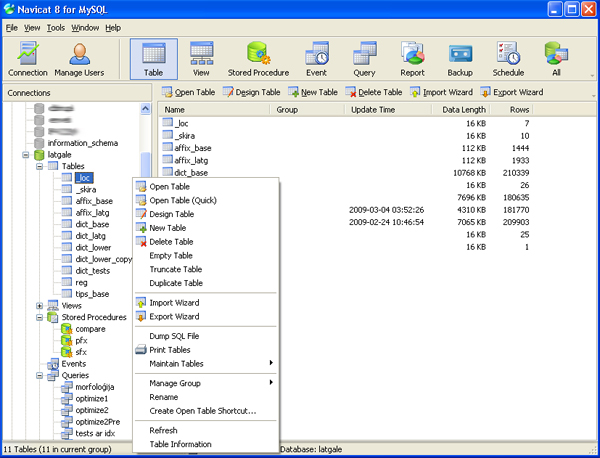
Figure 1. Work surface
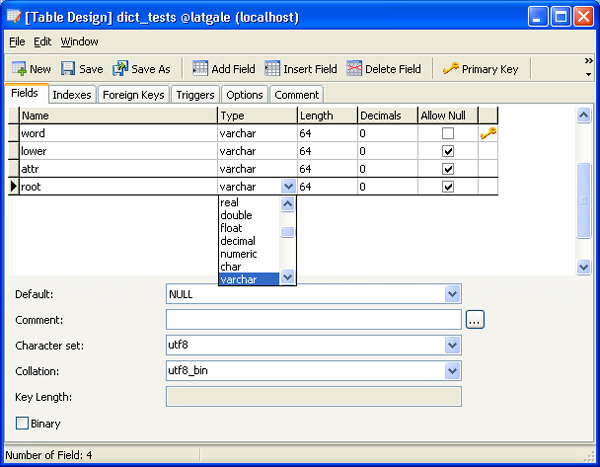
Figure 2. Creating/editing a table
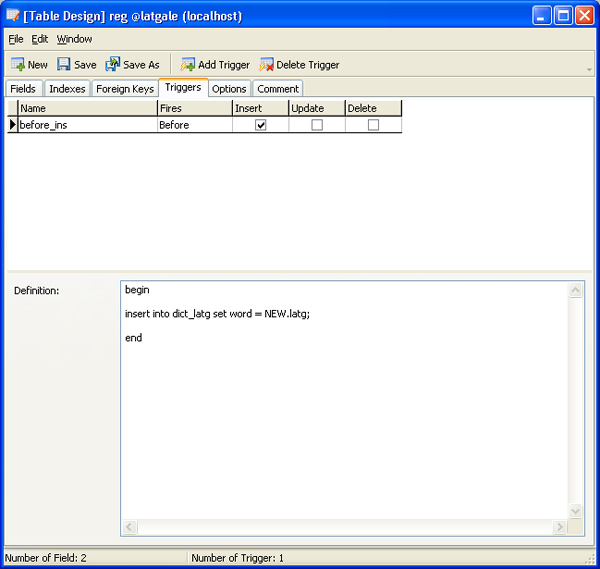
Figure 3. Triggers
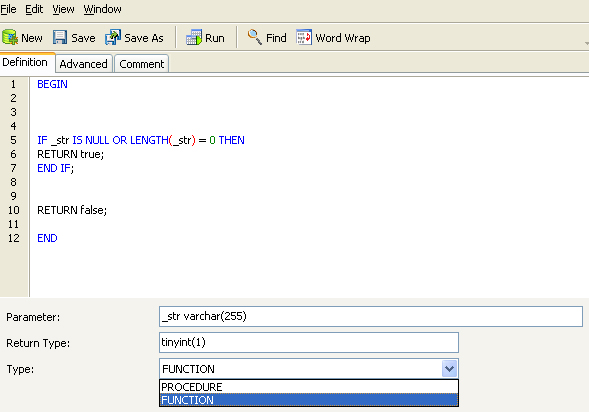
Figure 4. Functions and Procedures
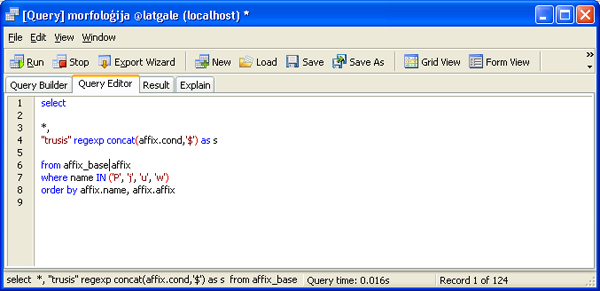
Figure 5. Query
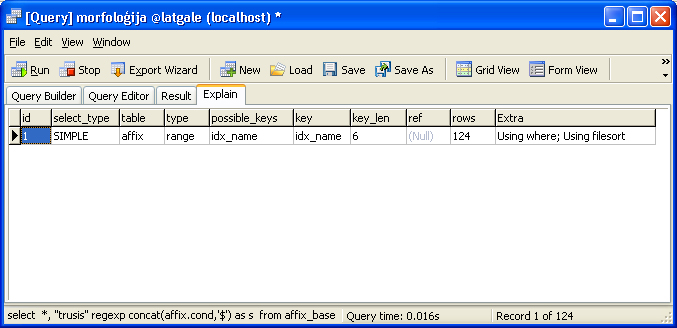
Figure 6. Query analysis (same as EXPLAIN)
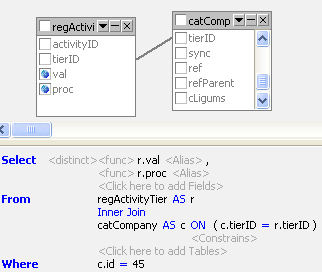
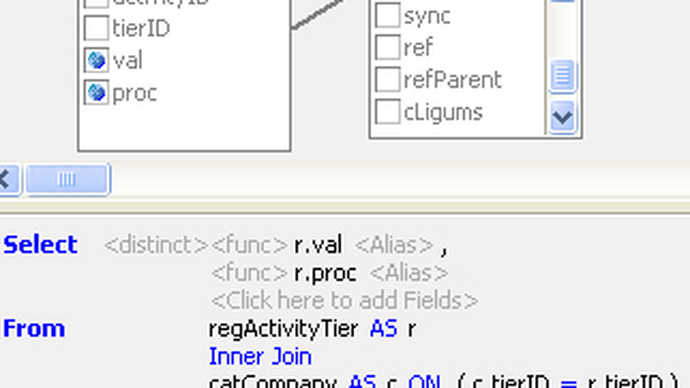
Figure 7. Visual query builder.
tu, the trigger was helpgul